What is AI-Based Ticket Resolution?
AI-Based Ticket Resolution is the application of artificial intelligence technologies such as Natural Language Understanding (NLU) and RPA to automatically identify, diagnose, and resolve enterprise support tickets without human intervention.
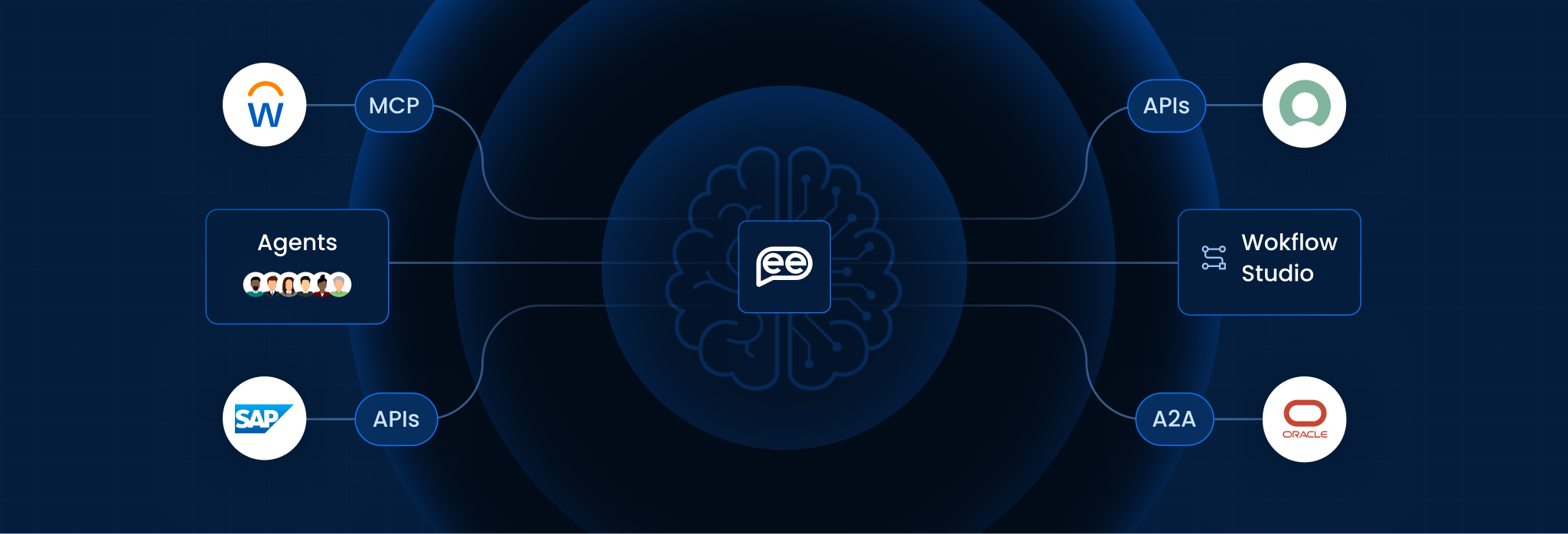
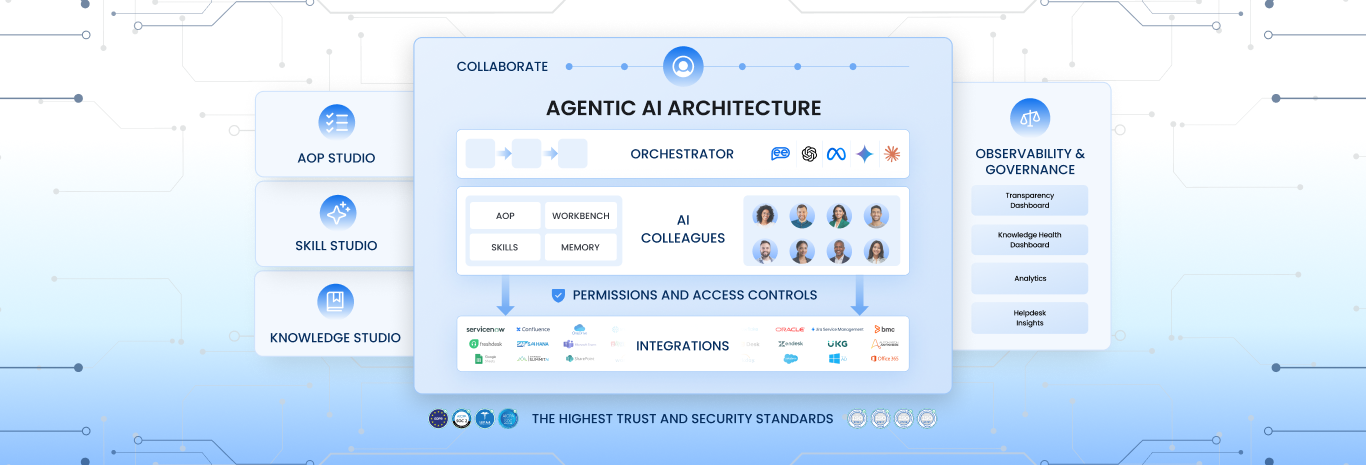
Unlike traditional ticketing systems that merely act as a database to store requests until an agent is available, AI-Based Resolution acts as an active problem solver. It reads the ticket, understands the intent, connects to backend systems (like Active Directory or Jira), and performs the necessary technical fixes instantly.
Simple Definition:
- Traditional Ticketing: Like a voicemail. You leave a message, and someone calls you back when they are free.
- AI-Based Resolution: Like a vending machine. You select what you need, and the system delivers it immediately, 24/7.
Key Features
To move beyond simple auto-responses, the system must offer these five capabilities:
- Intent Recognition: It understands what the user actually needs (e.g., realizing that “My screen is frozen” might mean a Citrix session hang), regardless of how they phrase it.
- Auto-Triage & Routing: It instantly categorizes tickets (e.g., “High Severity – Security”) and routes them to the correct department, eliminating the “dispatch” queue.
- Agent Assist: If the AI cannot fully resolve the ticket, it drafts a suggested reply and pulls relevant knowledge articles for the human agent, cutting handling time in half.
- Sentiment Analysis: It detects user frustration. If a ticket contains angry language, the AI prioritizes it or flags it for a manager’s attention.
- Self-Healing Scripts: It can proactively trigger remediation scripts (like clearing a cache or restarting a service) before the user even files a ticket.
Manual vs. AI-Based Resolution
This table compares how common issues are handled in a manual service desk versus an AI-driven one.
| The Scenario | Manual Resolution (Human Agent) | AI-Based Resolution (Autonomous) |
| Password Reset | Slow: User waits 2 hours for callback. Agent manually verifies ID and resets. | Instant: AI verifies ID via multi-factor auth and resets password in 10 seconds. |
| Software Access (e.g., Adobe) | Complex: Manager emails approval; IT checks license count; IT grants access manually. | Automated: AI checks policy, auto-approves based on role, and provisions license instantly. |
| System Outage | Flooded: 500 users file tickets. Helpdesk is overwhelmed. | Proactive: AI detects the spike, creates one “Master Ticket,” and notifies all 500 users of the status. |
| Vague Request (“It’s broken”) | Back-and-Forth: Agent emails: “What is broken?” User replies 4 hours later. | Interactive: AI asks clarifying questions in real-time chat to diagnose the issue immediately. |
How It Works (The Resolution Lifecycle)
AI resolution follows a structured “Cognitive Pipeline” to ensure accuracy:
- Ingest: The AI captures the ticket from Email, Slack, Microsoft Teams, or a Web Portal.
- Classify: It analyzes the text to determine the Intent (Hardware Issue) and Entity (Laptop Model X).
- Diagnose: It queries the [Knowledge Base] or system logs to find the root cause.
- Execute: It triggers a backend workflow (e.g., calling the Zoom API to fix a meeting link).
- Verify: It asks the user, “Did this fix your issue?” If yes, it closes the ticket. If no, it escalates to a human.
Benefits for Enterprise
According to Gartner and Forrester, shifting to AI-Based Resolution is the primary lever for reducing IT costs in 2026:
- MTTR Reduction: Mean Time To Resolution drops by 80-90% for common Tier-1 issues.
- Cost Savings: An automated resolution costs pennies, whereas a human-resolved ticket costs between $15 and $30.
- Agent Retention: By removing the repetitive “reset” and “unlock” tickets, human agents suffer less burnout and focus on interesting, complex work.
Frequently Asked Questions
Does the AI resolve every single ticket?
No. A healthy system typically auto-resolves 40-60% of tickets (Tier-1 issues). The remaining complex issues (Tier-2/3) are routed to humans, but the AI still helps by gathering data beforehand.
What happens if the AI makes a mistake?
AI systems use “Confidence Scores.” If the AI is less than 95% sure of a fix, it will not execute it. Instead, it will suggest the fix to a human agent for approval (Human-in-the-Loop).
Can it read screenshots sent in tickets?
Yes. Modern platforms use [Computer Vision]. If a user sends a screenshot of an error code, the AI extracts the text from the image and searches for the solution.
Is it difficult to train?
It requires an initial setup period (4-8 weeks) to ingest your historical tickets and knowledge base. However, pre-trained models for common IT issues (like VPN, Printer, Office 365) work out of the box.
Does it work with custom internal apps?
Yes, as long as those apps have an API or a database the AI can access. For legacy apps without APIs, [RPA] can be used as a bridge.
Is the user experience robotic?
It shouldn’t be. Advanced AI uses Natural Language Generation (NLG) to write empathetic, human-like responses. It doesn’t sound like a script; it sounds like a helpful colleague.
Want To Know More?
Book a Demo